
Crop
How to crop a GIF on iPhone
Quick answer
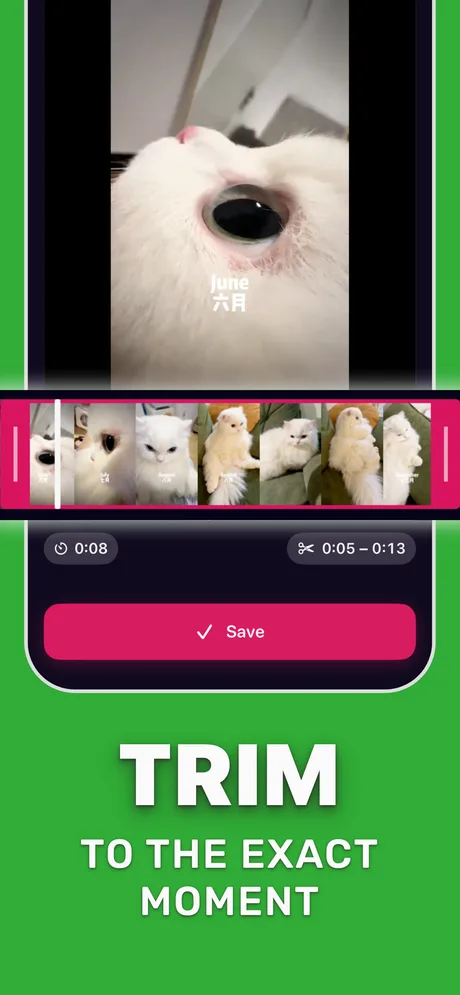
Crop the video before it becomes a GIF: in Make Video to GIF choose an aspect preset (for example square) in the crop step, frame the subject, then set FPS and loop and convert. Cropping a GIF that already exists re-encodes it and loses quality, so start from the original video whenever you have it.
Phone videos are tall; chat bubbles, Discord embeds and READMEs are not. A crop puts the subject in the middle of the frame and removes the pixels nobody looks at.
Cropping is also the second-biggest file size saving after trimming, so a well-cropped GIF is both easier to read and faster to load.
Which aspect ratio to choose
Pick by where the GIF will be shown:
| Shape | Good for |
|---|---|
| Square (1:1) | Reactions, chat bubbles, Discord, profile-style GIFs |
| Portrait | Full-height phone UI, stories, a person standing |
| Wide | Desktop docs, READMEs, landscape game or sports clips |
Crop versus resize
Cropping removes the edges; resizing shrinks everything, including text and faces. For GIFs of interfaces or anything with text, crop instead of resizing so details stay sharp.
Step by step: crop a video into a GIF
Works the same for any shape.
-
1
Open the video
Pick the clip in Make Video to GIF.
-
2
Trim
Keep the seconds you want.
-
3
Choose an aspect preset
Select the shape, for example square, and position the frame over the subject.
-
4
Set FPS and loop
Adjust them in GIF settings and check the estimated size.
-
5
Convert
Tap Convert to GIF and share it.
Do it in Make Video to GIF
Free on the App Store. Pick a clip, trim, tune, export.
Tips
- Leave a little space around a face; tight crops look cramped when the head moves.
- For screen recordings, crop out the status bar and home indicator.
- If the subject moves across the frame, use a wider crop rather than cutting it off mid-loop.
Questions people also ask
Can I crop a GIF without the original video?
Yes, but re-encoding a GIF loses quality. Use the original video when you can.
Does cropping make a GIF smaller?
Yes. Fewer pixels per frame means a smaller file; a square crop of a widescreen clip removes almost half of each frame.
What size should a Discord GIF be?
A square or wide crop a few hundred pixels across looks sharp in chat and stays well under the 20 MB free limit.
Only convert videos you have the right to share. Make Video to GIF is an independent app and is not affiliated with Apple, GIPHY, Discord or Slack.