Guides: make GIFs from videos on iPhone
Every guide starts with a direct answer, then shows the exact steps on iPhone, including the free built-in options.
-
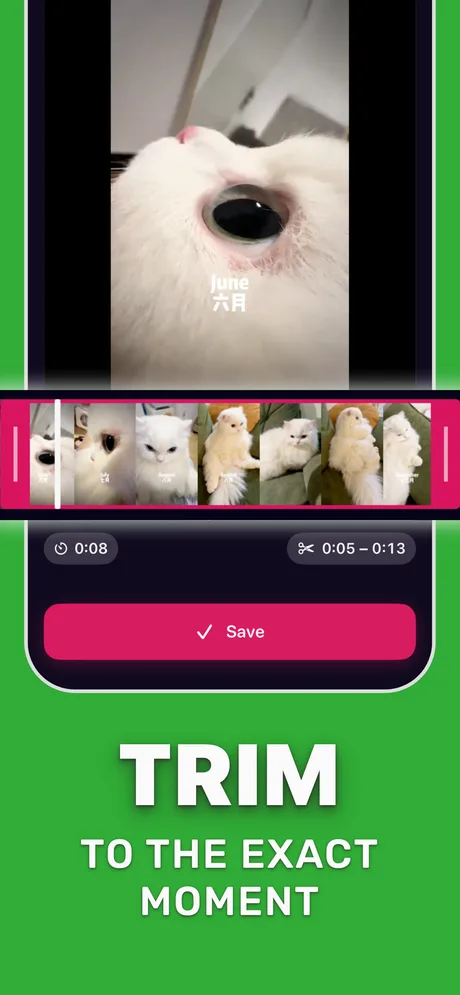
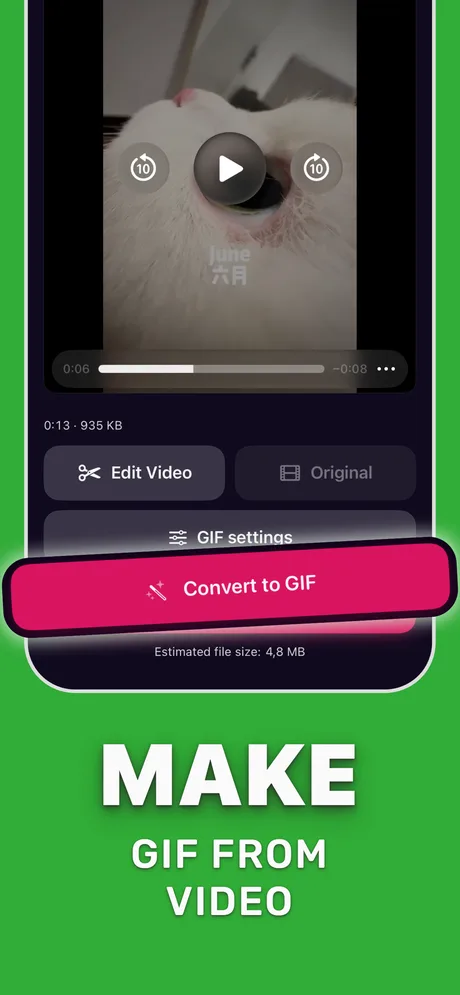 Video to GIF
Make a GIF from a video on iPhone
Two ways to turn a clip into a GIF: the built-in shortcut, or an app with trim, FPS, crop and loop controls.
Video to GIF
Make a GIF from a video on iPhone
Two ways to turn a clip into a GIF: the built-in shortcut, or an app with trim, FPS, crop and loop controls.
-
File size
Reduce GIF file size on iPhone
The four settings that shrink a GIF, in the order that saves the most.
-
 Discord
Make a GIF for Discord on iPhone
Fit Discord's upload limit and make the loop look good in chat.
Discord
Make a GIF for Discord on iPhone
Fit Discord's upload limit and make the loop look good in chat.
-
 Fix
GIFs not working on iPhone
Frozen or still GIFs in Photos and Messages, and the eight usual causes.
Fix
GIFs not working on iPhone
Frozen or still GIFs in Photos and Messages, and the eight usual causes.
-
 Compare
Best GIF maker apps for iPhone
Shortcuts, GIPHY and a dedicated converter: what each controls and when to use it.
Compare
Best GIF maker apps for iPhone
Shortcuts, GIPHY and a dedicated converter: what each controls and when to use it.
-
Live Photos
Live Photo to GIF
Three ways to turn the 3 seconds around a photo into a real GIF file.
-
Screen recording
Screen recording to GIF
Sharp, small GIFs of an app flow for bug reports, READMEs and Slack.
-
Frame rate
Best FPS for a GIF
10–15 FPS for most GIFs, and the quirks of GIF frame timing.
-
WhatsApp
Send a video as a GIF on WhatsApp
The built-in 6-second GIF switch, and the way around its limits.
-
Loop
Make a GIF loop on iPhone
Infinite loops, play-once GIFs and seamless loops from a video.
-
Save
Save a GIF on iPhone
Save GIFs from Safari, Messages and apps without losing the animation.
-
Fix
Video to GIF shortcut not working
Why the Shortcuts GIF maker fails on long or iCloud videos, and what to do.
-
Limits
GIF size limits by platform
Upload limits in one table, with the settings that fit a GIF under each.
-
Crop
Crop a GIF on iPhone
Square, portrait or wide: crop before converting for sharper, smaller GIFs.
Send the loop, not the video.
Pick a clip, trim it to the best second, and share a GIF that plays everywhere.
Download on the App Store

Scan with your iPhone camera
- Free download
- iOS 18.6 or later
- GIF made on your iPhone