
How to send a video as a GIF on WhatsApp from iPhone
Quick answer
In a WhatsApp chat tap +, choose Photo & Video Library and pick a video. Trim it to 6 seconds or less and a GIF switch appears next to the camera icon above the trim bar; tap GIF, then Send. For clips you want to crop, slow down via frame rate, loop a set number of times or reuse in other apps, make the GIF in Make Video to GIF first and share the file to WhatsApp.
WhatsApp has had a video-to-GIF switch on iPhone for years, but it hides it until the clip is short enough: six seconds or less.
That covers most reactions. When you need something it can't do, such as a tighter crop, a specific frame rate or a GIF you can also post on Discord or Slack, convert the clip first.
WhatsApp's built-in GIF switch
Steps in the WhatsApp app:
- Open the chat, tap + and choose Photo & Video Library.
- Pick a video.
- Drag the ends of the timeline at the top until the clip is 6 seconds or shorter.
- Tap GIF next to the camera icon; the clip starts looping.
- Optionally add text, emoji or a drawing, then tap Send.
If you don't see the GIF option, the selection is still longer than 6 seconds.
When to make the GIF first
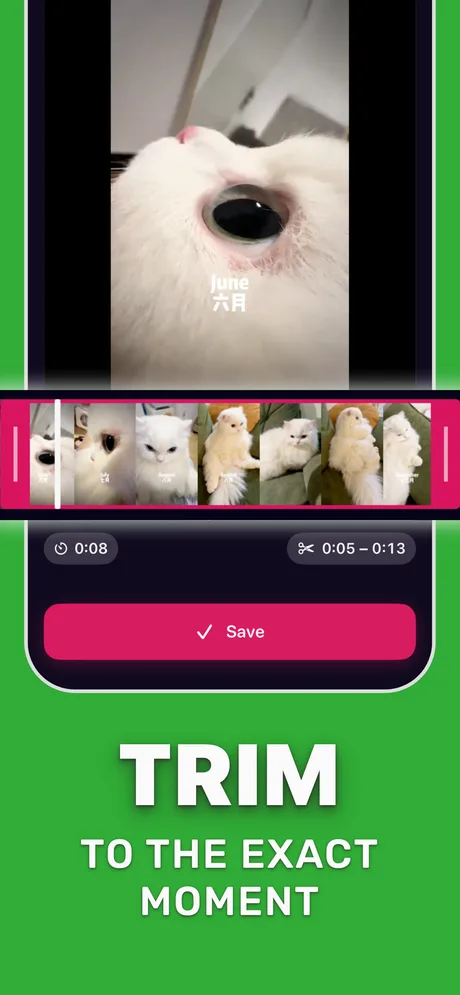
Make the GIF in Make Video to GIF when you want to crop to a face or an object, choose the frame rate, set a loop count, or keep the same GIF to post elsewhere. Export it, tap Share and pick WhatsApp; the chat receives the animation.
Step by step: GIF first, then WhatsApp
For clips that need more than WhatsApp's switch.
-
1
Open the video
Pick the clip in Make Video to GIF.
-
2
Trim and crop
Keep the best seconds and crop to the subject.
-
3
Set FPS and loop
12–15 FPS and an infinite loop suit chat reactions.
-
4
Convert to GIF
Tap Convert to GIF.
-
5
Share to WhatsApp
Tap Share, choose WhatsApp and pick the chat.

Do it in Make Video to GIF
Free on the App Store. Pick a clip, trim, tune, export.
Tips
- Keep chat GIFs small: people often open them on mobile data.
- A crop around a face makes reactions readable in a small chat bubble.
- WhatsApp's own GIF search (the GIF tab in the sticker panel) is quicker for stock reactions.
Questions people also ask
Why can't I send a video as a GIF on WhatsApp?
The GIF option only appears when the trimmed clip is 6 seconds or shorter. Shorten the selection and it shows up.
Can a WhatsApp GIF be longer than 6 seconds?
Not with the built-in switch. Make the GIF in another app first, then share it to WhatsApp, and keep the file small.
Will the other person see it move?
Yes. WhatsApp plays GIFs on iPhone and Android as looping animations.
Only convert videos you have the right to share. Make Video to GIF is an independent app and is not affiliated with Apple, GIPHY, Discord or Slack.