
Frame rate
What frame rate should a GIF be?
Quick answer
Use 10–15 FPS for reactions, memes and talking heads, 8–12 FPS for screen recordings, and 20–25 FPS only for fast action like sports or games. GIF stores frame timing in hundredths of a second, so the smooth values are 10, 12.5, 16.7, 20, 25, 33 and 50 FPS; anything faster than 50 FPS is not possible, and very short delays are slowed down by browsers.
Frame rate is the setting with the most direct effect on a GIF's size: every frame is stored in full, so 24 FPS costs about twice as much as 12 FPS for the same seconds.
Most GIFs look fine at half the frame rate of the original video. The trick is knowing when they don't, and avoiding a couple of quirks in how GIF stores time.
Recommended frame rates
Start here and adjust by eye:
| Content | FPS | Notes |
|---|---|---|
| Reaction, meme, talking head | 10–15 | Faces and gestures read fine; small files |
| Screen recording, UI demo | 8–12 | Interfaces move in steps; drop frames freely |
| Pets, people moving, dance | 15–20 | Smoother limbs; trim shorter to pay for it |
| Sports, games, fast camera moves | 20–25 | Below this, fast motion stutters |
Why GIF frame rates are odd numbers
A GIF does not store FPS. Each frame stores a delay in hundredths of a second, so only whole numbers of centiseconds are possible: 10 cs is 10 FPS, 8 cs is 12.5 FPS, 6 cs is about 16.7 FPS, 5 cs is 20 FPS, 4 cs is 25 FPS and 2 cs is 50 FPS. A "24 FPS" GIF is really 25 FPS, or alternates delays to average out.
Browsers also treat very short delays (0 or 1 hundredth of a second) as about a tenth of a second, so a GIF exported at "60 FPS" can actually play slower than one at 25 FPS.
Frame rate versus file size
Size grows roughly in proportion to the number of frames. If a GIF is too big, lowering the frame rate one step usually costs less visually than shrinking the picture, especially for faces and UI.
Set the frame rate in Make Video to GIF
Compare two values on your actual clip.
-
1
Open the clip
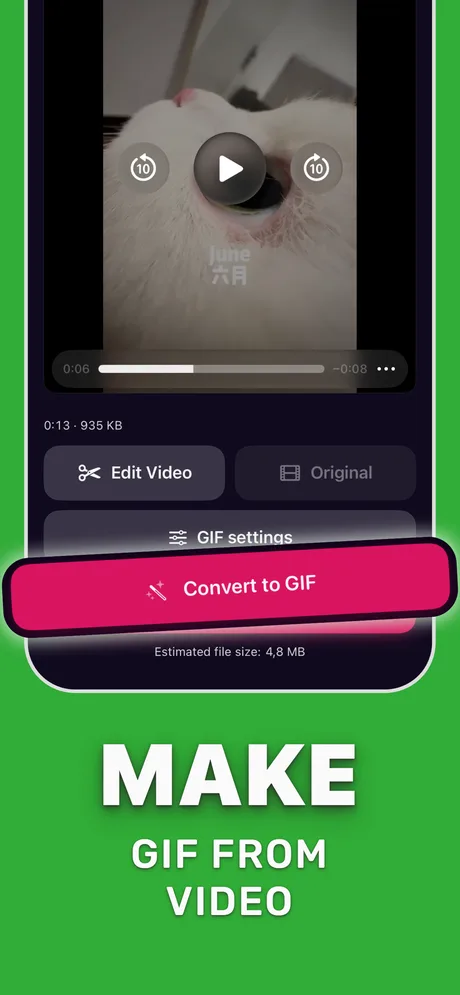
Pick the video in Make Video to GIF and trim it to the moment.
-
2
Open GIF settings
Tap GIF settings to see the frame rate, crop, loop and encoder options.
-
3
Start at 12 FPS
Set 12 FPS and note the estimated size.
-
4
Compare
Export once at 12 and once at 20 FPS; keep the lower one unless the motion clearly stutters.

Do it in Make Video to GIF
Free on the App Store. Pick a clip, trim, tune, export.
Tips
- A higher source frame rate (60 FPS video) does not mean the GIF needs more than 15 FPS.
- Slow-motion clips already stretch motion, so they look smooth at low GIF frame rates.
- If a GIF looks fast or slow after export, the frame delays were rounded; pick a value from the list above.
Questions people also ask
Is 30 FPS good for a GIF?
It works, but GIF can store 33.3 FPS, not exactly 30, and the file is about three times bigger than at 10 FPS. Use it only for fast motion.
What is the maximum frame rate of a GIF?
50 FPS (a 2-hundredths-of-a-second delay). Shorter delays are usually slowed down by browsers.
Why does my GIF play slower than the video?
Frame delays were rounded to hundredths of a second, or a delay below 2 cs was clamped by the viewer. Use 10, 12.5, 20 or 25 FPS.
Only convert videos you have the right to share. Make Video to GIF is an independent app and is not affiliated with Apple, GIPHY, Discord or Slack.