
Loop
How to make a GIF loop forever, or play just once
Quick answer
Loop count is stored inside the GIF file. In Make Video to GIF open GIF settings and set the loop to infinite for reactions, or to a fixed number of plays for demos, then export. A GIF that stops after one play was exported without the loop setting; re-export it from the video with an infinite loop.
Whether a GIF loops is not decided by the app showing it but by a small setting inside the file, the loop count. Zero means forever; no setting at all usually means play once.
There are two separate goals here: making the file loop, and making the loop look seamless. Both are easy once you know where they come from.
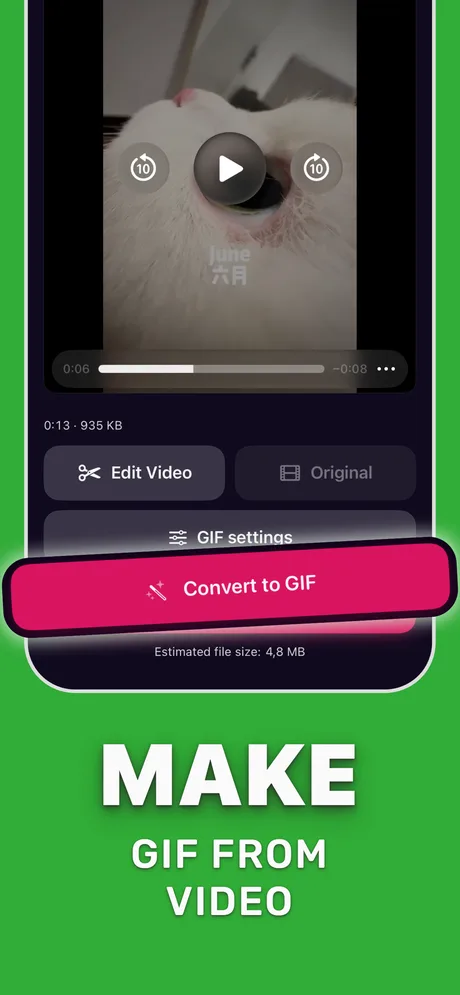
Loop forever, once, or a few times
Choose by where the GIF will be seen:
| Loop setting | Use for |
|---|---|
| Infinite | Reactions, memes, README demos, anything people glance at |
| Play once | A reveal or an ending that should stay on the last frame |
| 2–3 times | Step-by-step demos in docs or emails, so motion stops after a moment |
Viewers have historically disagreed on whether a loop count of 1 means one play or one extra play; test where the GIF will be shown.
Make the loop seamless
A loop looks seamless when the last frame flows into the first. Trim to a stretch that starts and ends in a similar position: a head nod, a wave, a spinning object, a repeating UI animation. Avoid cutting in the middle of a camera move.
Some platforms (Telegram, X and others) convert GIFs to short videos and loop them regardless of the loop count, so a play-once GIF may loop there anyway.
Set the loop in Make Video to GIF
Takes a few seconds once the clip is trimmed.
-
1
Open and trim the clip
Pick the video and trim to a stretch that starts and ends in a similar position.
-
2
Open GIF settings
Tap GIF settings.
-
3
Choose the loop
Select infinite loop, or a fixed number of plays.
-
4
Convert and check
Tap Convert to GIF and preview it; reopen the project to adjust and export again.

Do it in Make Video to GIF
Free on the App Store. Pick a clip, trim, tune, export.
Tips
- Infinite loops are the safe default for chat apps.
- For a demo GIF in an email, two or three plays avoid distracting the reader.
- Projects can be reopened in Make Video to GIF, so trying another loop setting doesn't mean starting over.
Questions people also ask
Why does my GIF only play once?
It was exported without a loop count, which most viewers treat as play once. Export it again with an infinite loop.
Can I stop a GIF from looping?
Yes. Set the loop to play once before exporting. Some apps that convert GIFs to video may still loop it.
How do I make a perfect loop?
Trim so the first and last frames match, keep the camera still, and use an infinite loop.
Only convert videos you have the right to share. Make Video to GIF is an independent app and is not affiliated with Apple, GIPHY, Discord or Slack.